Get AI Dictation on Google Play
Install in seconds. Free with 2,000 words per month - no account required.
Get it on Google PlayWhy AI Dictation vs Regular Voice Typing
See the difference AI makes in your voice typing experience
Works With Your Favorite Apps
Use AI Dictation in any app that accepts text input
Core Features
Everything you need for perfect voice-to-text on Android
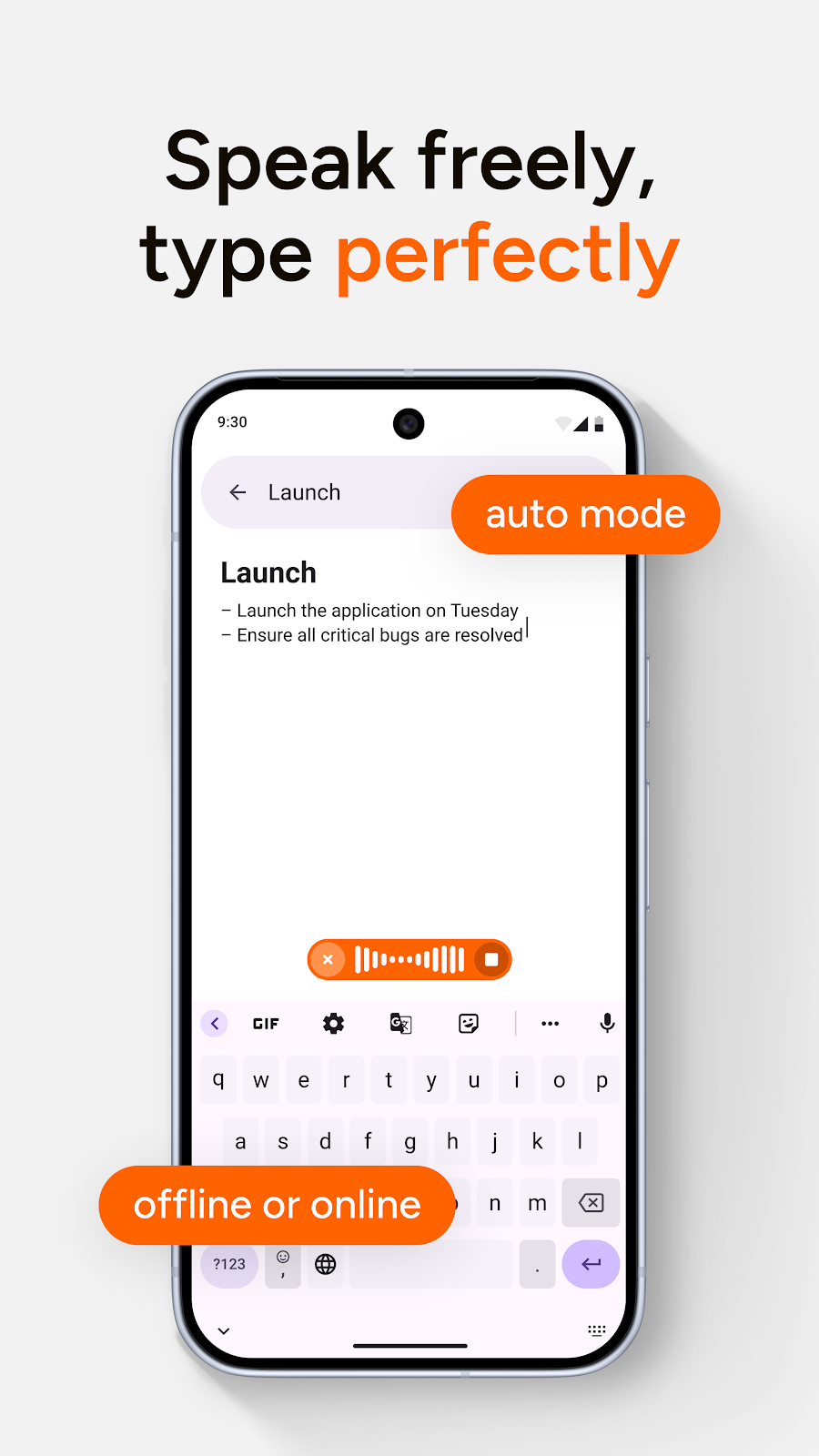
Speak Freely
Voice typing that cleans up after you
- Automatically removes filler words (um, uh, like, you know)
- Adds punctuation as you speak
- Proper capitalization
- No more editing raw voice dumps

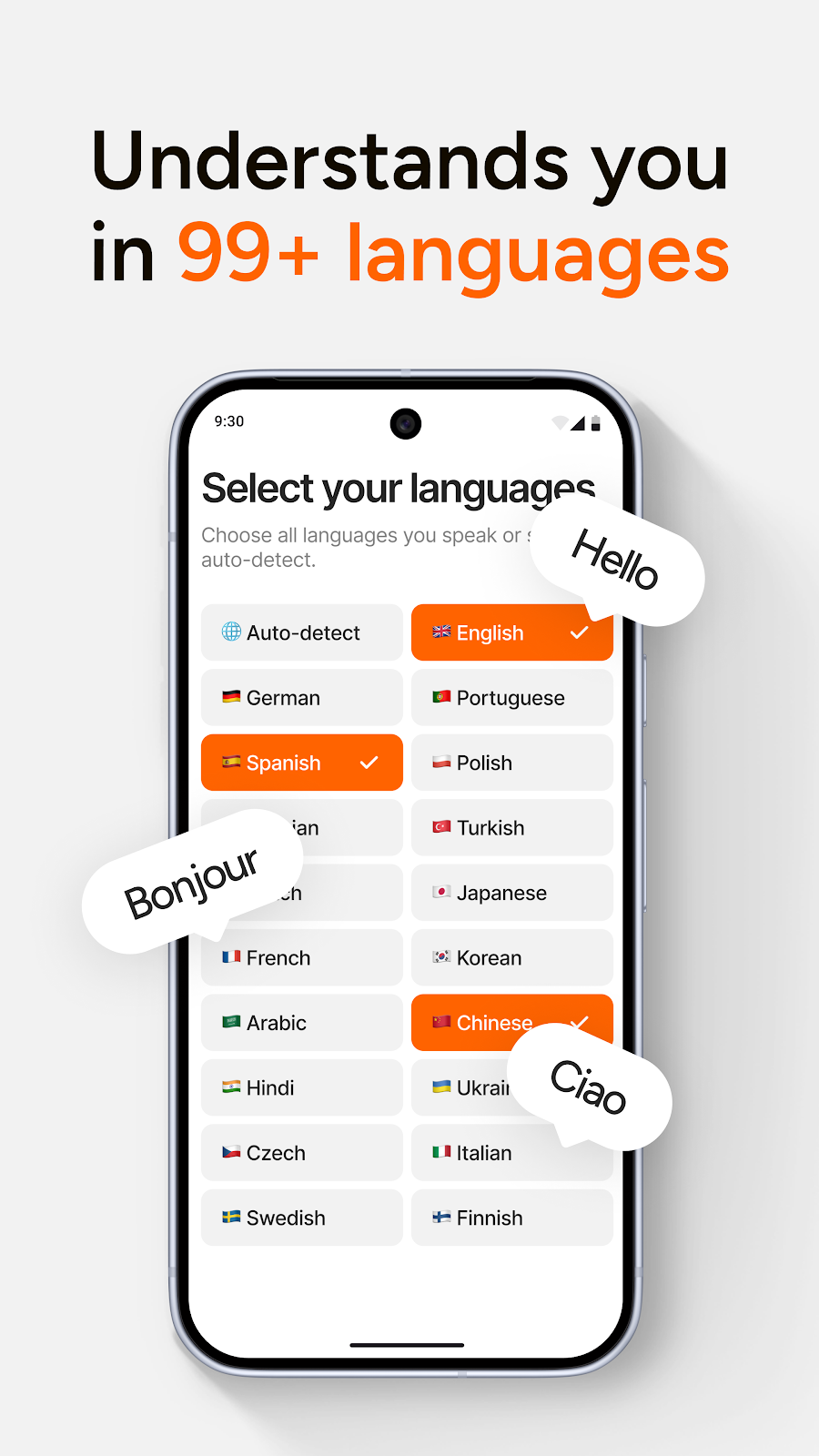
99+ Languages
Automatic language understanding
- Auto-detect supported languages
- Choose the languages you speak
- Dictate naturally across multilingual workflows

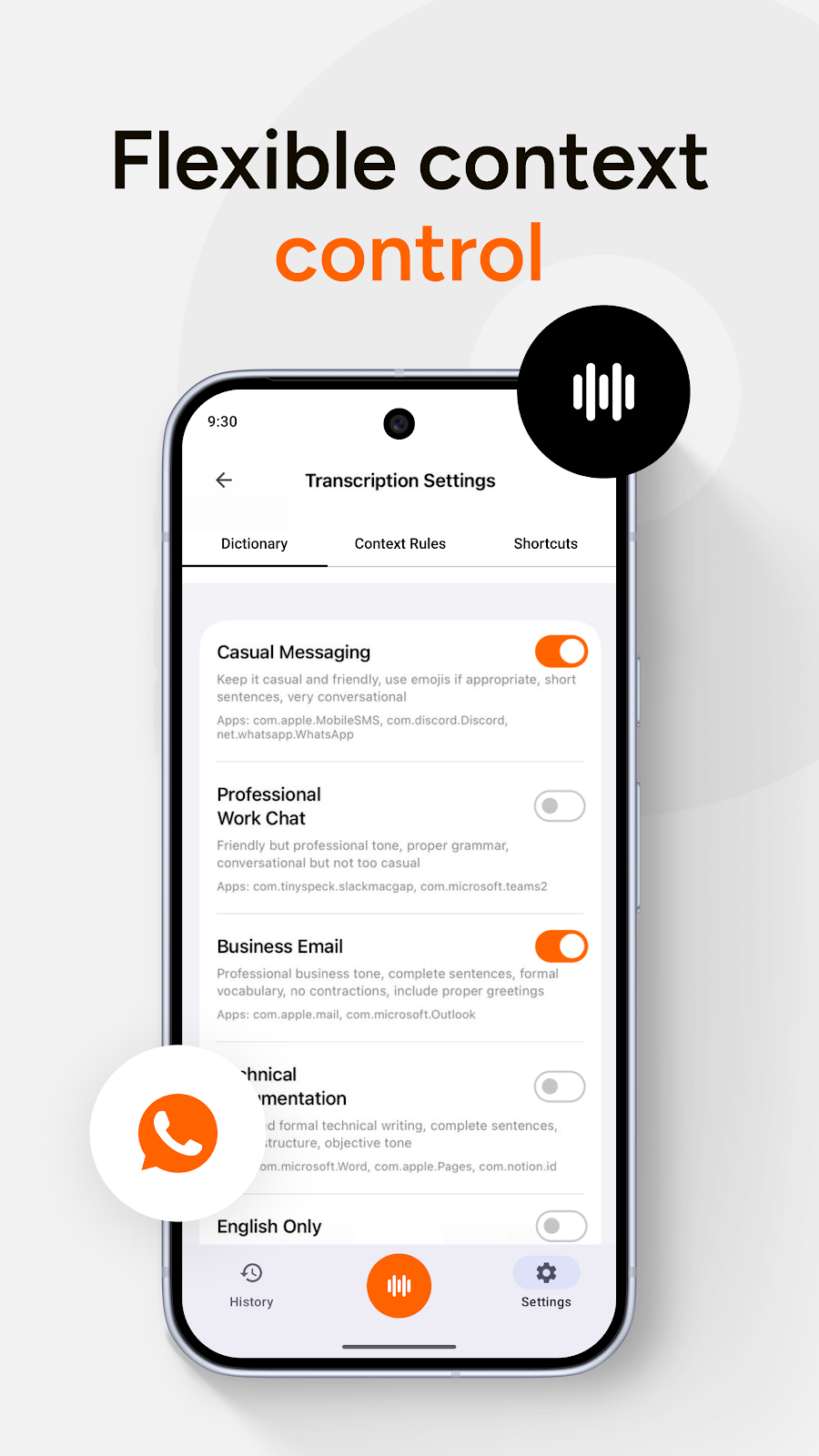
Context Control
Different tone for different apps
- Use rules for casual messages, work chat, and business email
- Apply context by app
- Keep output matched to the conversation

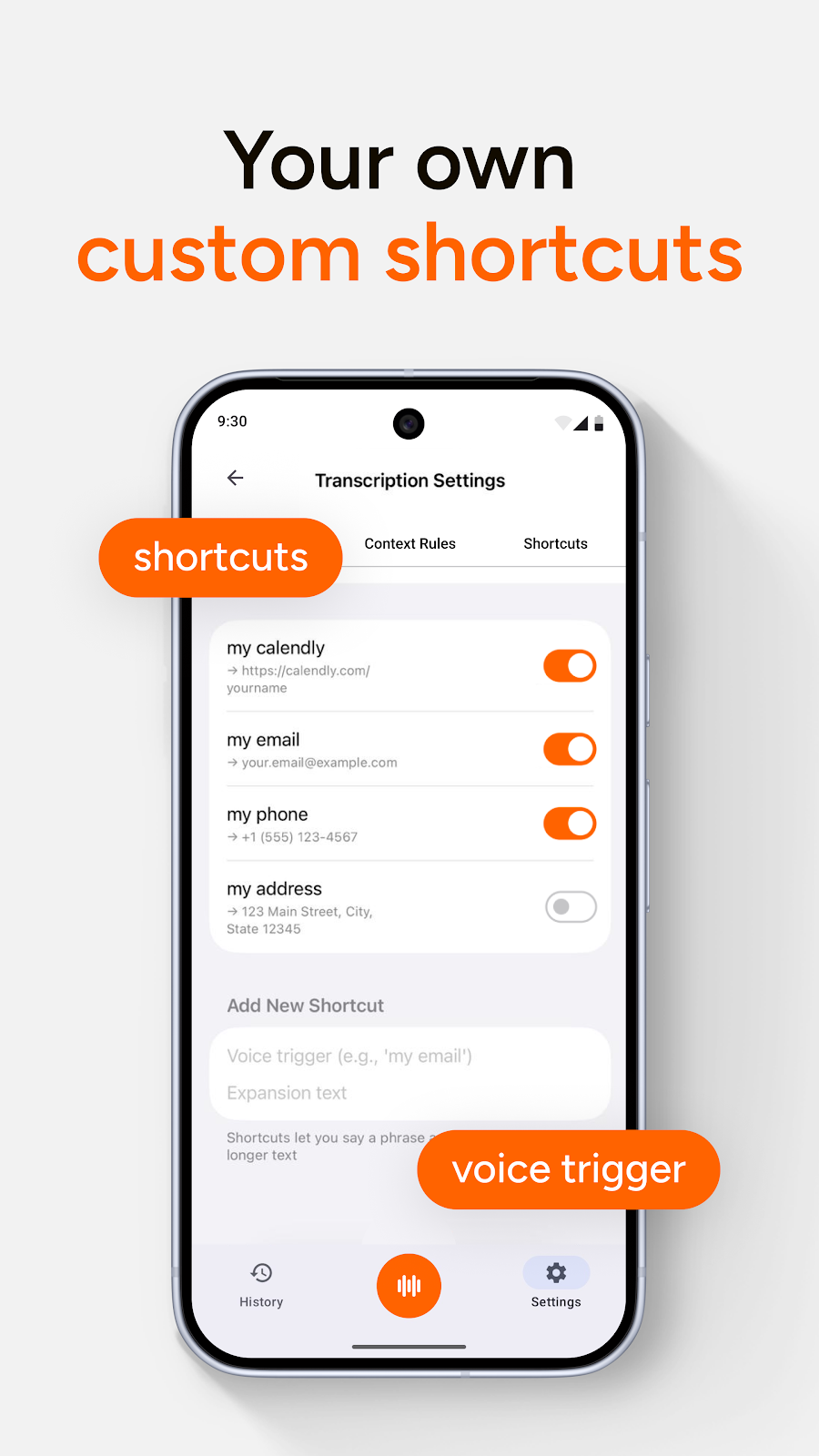
Custom Shortcuts
Turn short voice triggers into full text
- Save repeated phrases
- Expand contact details or links by voice
- Keep daily typing shortcuts one tap away

State-of-the-art AI, in your keyboard
We use the most advanced AI models available to deliver the best voice typing experience on Android.
OpenAI's speech recognition
LLMs for text refinement
Works in any app
How It Works
Three simple steps to transform your voice into perfect text
Tap Mic
Pulsing animation shows it's listening
Speak
See "Speak now", auto-stops when you pause
Done
Clean, punctuated text appears. Tap Fix or Rewrite to polish further.
Use Cases
Perfect for every situation
Emails while commuting
Long messages without thumb fatigue
Quick replies that sound professional
Notes and drafts on the go
Privacy First
Audio processed securely via API • No recordings stored • Your data stays yours
Frequently Asked Questions
How do I download AI Dictation on Android?
Install AI Dictation straight from Google Play - search for AI Dictation or open the Play Store listing and tap Install.
Is Wispr Flow available on Android?
Wispr Flow is currently only available for macOS. If you're looking for a similar AI-powered voice typing experience on Android, AI Dictation offers comparable features including clean transcription, filler word removal, and AI-powered text refinement.
What's the best voice keyboard for Android?
AI Dictation is one of the best AI-powered voice keyboards for Android. It uses OpenAI's Whisper for speech recognition and includes features like automatic filler word removal, punctuation, and one-tap text polishing with Fix and Rewrite functions.
Is my voice data private with AI Dictation?
Yes. Audio is processed securely via API, no recordings are stored, and your data stays yours.
Stop Typing. Start Talking.
Transform your Android typing experience with AI-powered voice dictation.
Free on Google Play